

Microsoft Excel PivotTables

Microsoft Excel’s PivotTables and PivotCharts are powerful, easy-to-use tools for transforming raw data into meaningful business insights. In this 90-minute webinar, attendees will learn how to properly set up source data, build insightful PivotTables and PivotCharts, and organize and format the results for clear, impactful data storytelling. Attendees will also learn how to create interactive dashboards using slicers, that allow users to dynamically and independently explore multiple scenarios for faster decision-making. This course is designed for business professionals who want to quickly move from data to understanding.
After attending this webinar, participants will be able to
- Explain how PivotTable and PivotCharts support data-driven decision making
- Create PivotTables that summarize large datasets using key statistical metrics (sum, average, count, etc)
- Group and segment data to identify patterns and trends
- Format and present results for professional and data storytelling
- Create PivotCharts to gain insights and visualize trends and outliers
- Examine results and validate insights through drill-down analysis
- Build interactive dashboards using slicers for dynamic reporting
- Introduction to data analytics in Excel
- Understanding PivotTables and their business value
- Structuring and preparing source data correctly
- Creating and modifying PivotTables
- Aggregating data using key metrics like sum, average, and count
- Formatting data for readability and reporting
- Drill-down and drill-up techniques for deeper analysis
- Managing and organizing PivotTables (move, copy, refresh)
- Creating and customizing PivotCharts
- Using slicers to build interactive dashboards
Attendees will learn how to quickly transform large datasets into meaningful insights using Excel PivotTables. This webinar will teach participants how to eliminate guesswork by using proven techniques for organizing, analysing, and visualizing data, thus enabling professionals to make faster, more informed decisions without having to learn advanced formulas and functions.
- Data Analysts and Business Analysts
- Finance professionals (CFOs, Accountants, Financial Analysts)
- Small business owners and entrepreneurs
- Operations and sales professionals working with data
- Anyone responsible for reporting, or performance tracking
- Professionals who need to summarize, analyze, or present large datasets efficiently
Tom Chandler started teaching Excel and other Microsoft Office (now Microsoft 365) applications in Silicon Valley in 1996. In 2010 he started a computer training and consulting company named TechMentors. He has had the pleasure of teaching and consulting with many small and large companies including Stanford Medical Center, Visa, Seagate, and the City of San Jose.
Tom received his Bachelors of Science in Finance and Accounting from Brigham Young University. He also received a MBA with a concentration on Computer/Information Technology Administration and Management from Western Governors University.
Tom and his wife, Madeline, are very family oriented. They have seven (7) children and currently thirteen (13) grandchildren with two more on the way. Consequently in 2020 Tom and Madeline moved to northern Utah so they could be near many of their children and grandchildren.
Upcoming Webinars


By Kathryn E. Strachan
Date: Sept. 14, 2026

By Mike Thomas
Date: Sept. 15, 2026


By David Nettleton
Date: Sept. 15, 2026
By Lesley Crook
Date: Sept. 15, 2026

By Edlyn McGarity
Date: Sept. 16, 2026

By Erica Chisolm
Date: Sept. 16, 2026

By Mike Thomas
Date: Sept. 16, 2026

By Dr. Susan Strauss
Date: Sept. 17, 2026

By Aimee Bernstein
Date: Sept. 17, 2026


By Beverly Beuermann-King
Date: Sept. 18, 2026
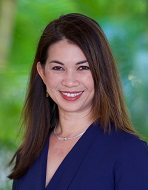
By Melveen Stevenson
Date: Sept. 21, 2026

By Don Phin
Date: Sept. 21, 2026
By Dr. Susan Strauss
Date: Sept. 21, 2026
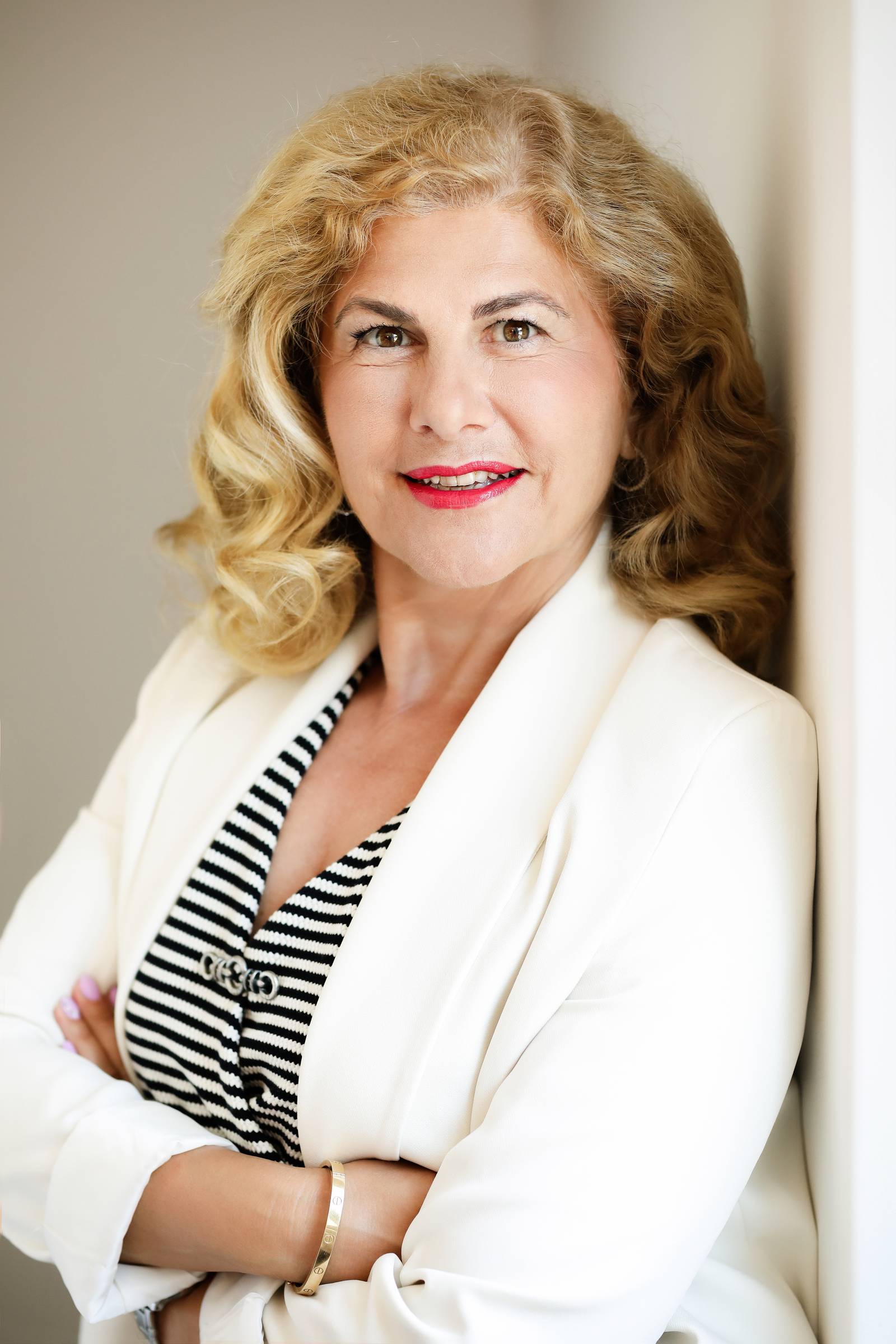
By Hulya Kurt
Date: Sept. 21, 2026

By Rebecca Staton-Reinstein
Date: Sept. 21, 2026

By Sonja Pasquantonio
Date: Sept. 21, 2026
By Dr. Susan Strauss
Date: Sept. 22, 2026

By Paul Pelletier
Date: Sept. 22, 2026

By Dr. Bill Trombetta
Date: Sept. 22, 2026
By Diane L. Dee
Date: Sept. 23, 2026

By Deb Schaffer
Date: Sept. 23, 2026

By Mark Gorkin
Date: Sept. 23, 2026



By Yoke van Dam
Date: Sept. 24, 2026
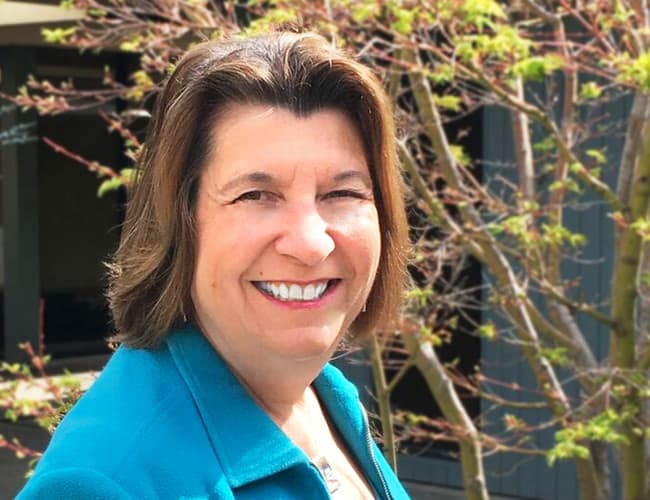
By Dr. B. Lynn Ware
Date: Sept. 24, 2026

By Karla Brandau
Date: Sept. 24, 2026
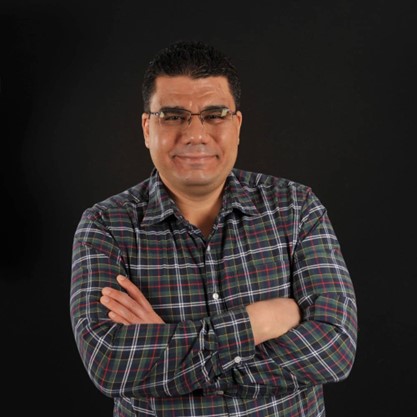
By Abdelrahman Abdou
Date: Sept. 28, 2026

By Marcia Zidle
Recorded Session
By Marcia Zidle
Recorded Session

By Dev Strischek
Recorded Session


By Pete Tosh
Recorded Session

By Edwin Waldbusser
Recorded Session
By Marcia Zidle
Recorded Session
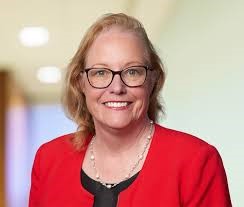

By Bruce Lee
Recorded Session
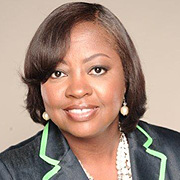
By Ritu Arora
Recorded Session

By Charles H. Paul
Recorded Session

By Ronald L. Adler
Recorded Session
By Steven G. Meilleur
Recorded Session
By Mark Gorkin
Recorded Session
By Diane L. Dee
Recorded Session
By Bruce Lee
Recorded Session

By Dr. Susan Strauss
Recorded Session

By William J. Rothwell
Recorded Session


By Erica Chisolm & Vanessa Hardiman
Recorded Session

By Michael Healey
Recorded Session
By Ronald L. Adler
Recorded Session

By Paul J. Cline
Recorded Session
By Audrey Halpern
Recorded Session

By David Nettleton
Recorded Session
By Carolyn Troiano
Recorded Session
By Dr. Susan Strauss
Recorded Session